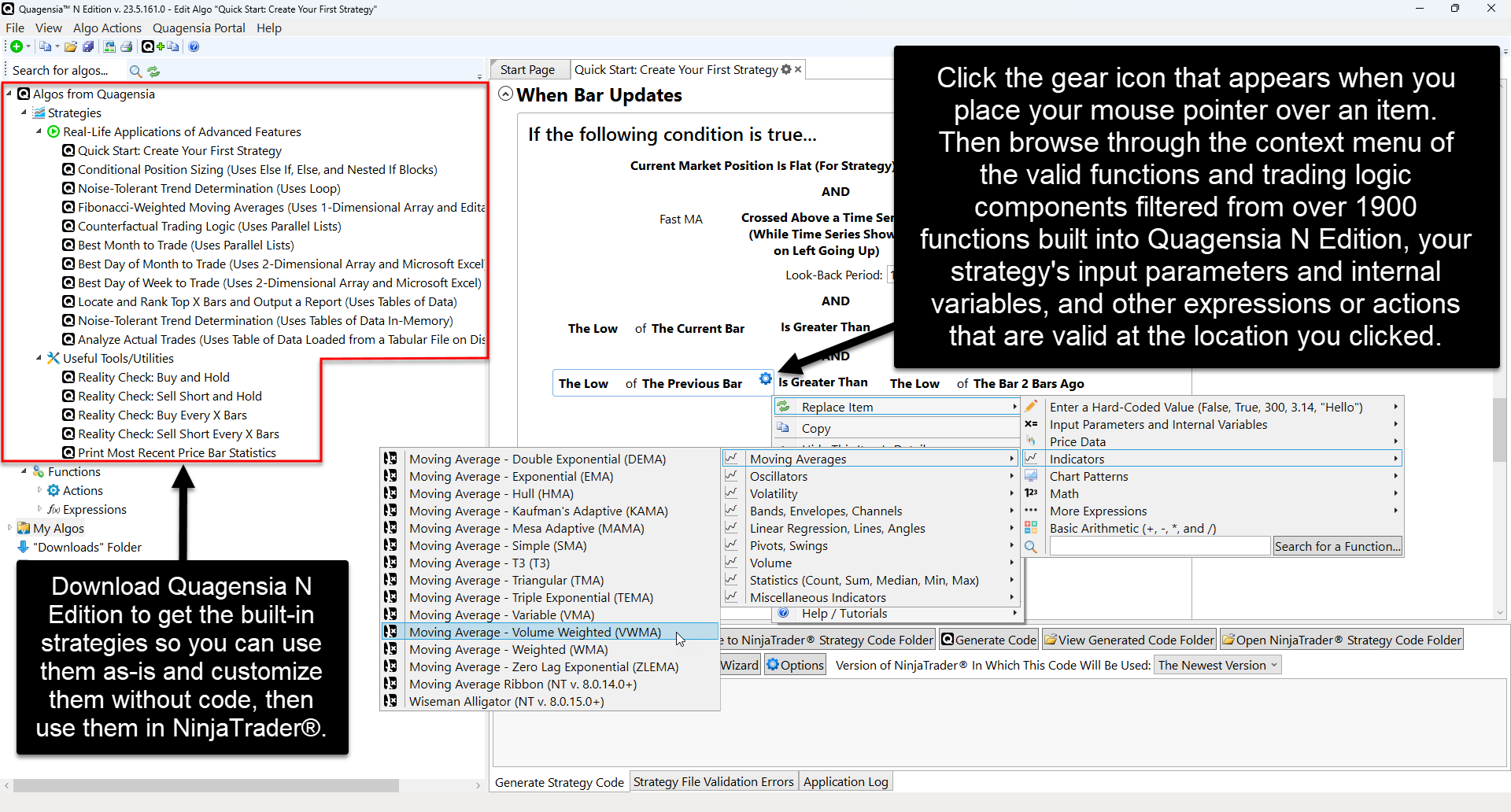
Version 26.3.31.0 of the Quagensia® point-and-click strategy builders for NinjaTrader® and TradeStation® have been released.
Quagensia N and T Editions’ copy-and-paste and multi-select functionality have been greatly enhanced with many new powerful options that will save a lot of time for both new and advanced users.
Additionally, you can now click on a function usage, usage of an input parameter or internal variable, or the gear icon on the left side of an input parameter’s or internal variable’s row in the Input Parameters or Internal Variables section’s grid and select a context menu item to load the list of all the usages of the same function, input parameter, or internal variable into the Search Results Tab in the pane on the bottom of Quagensia N or T Edition’s user interface. You can click on one of the search result rows in the list to automatically scroll to that usage of that function, input parameter, or internal variable in your strategy.
You can read about the specific changes in each edition in their release notes:
Quagensia® N Edition (For NinjaTrader®) Release Notes
Quagensia® T Edition (For TradeStation®) Release Notes
You can download the newest versions from each edition’s download page:
Download Quagensia® N Edition (For NinjaTrader®)
Download Quagensia® T Edition (For TradeStation®)
The no-code strategy builder for NinjaTrader from Quagensia is a really good way to quickly build remarkably powerful trading strategies for the NinjaTrader Desktop platform completely without code that you can then backtest, optimize, and trade in live markets with the NinjaTrader Desktop platform.
The no-code strategy builder for TradeStation from Quagensia is a really good way to quickly build powerful trading strategies for the TradeStation Desktop platform completely without code that you can then backtest, optimize, and trade in live markets with the TradeStation Desktop platform.