


Quagensia® N Edition makes it easy to create algorithmic trading strategies for the NinjaTrader® 8 and NinjaTrader® Desktop trading platforms without code by simply clicking choices on a screen as you would verbally describe your trading ideas. You can then backtest and optimize your trading strategies for free and trade them in live markets with NinjaTrader®.


No-Code Strategies for NinjaTrader® for:
New Users | Intermediate Users | Advanced Users
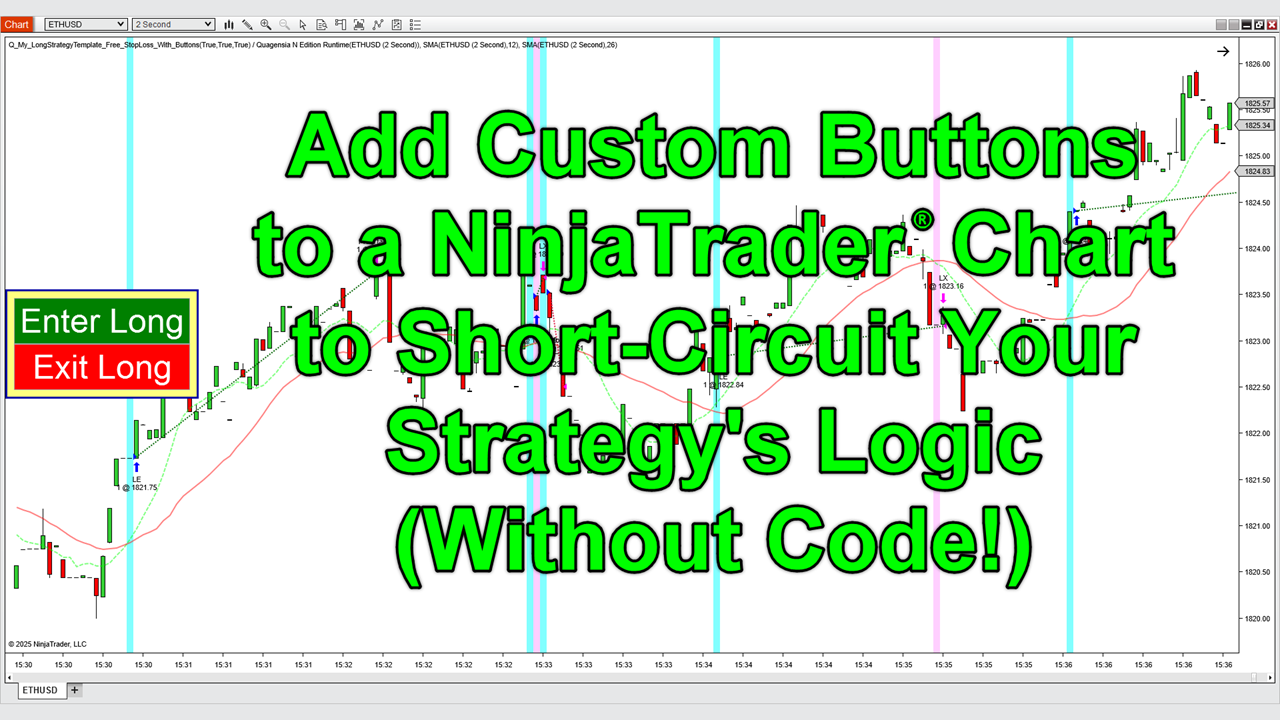
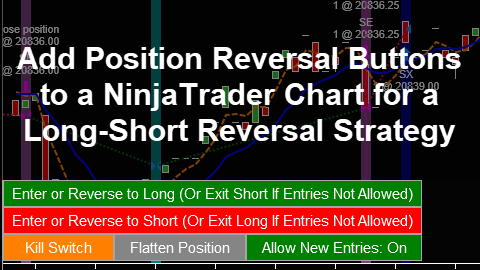
You can quickly and easily add buttons, check boxes, and text boxes to the NinjaTrader® charts to which your Quagensia N Edition Strategies are applied and add no-code trading logic that will be executed when the buttons are clicked to create both simple control panels as well as complex rich trading applications that best match your discretionary or semi-automated trading style.
You can quickly and easily import your third-party NinjaTrader® indicators, custom NinjaTrader® indicators, and enhanced versions of the NinjaTrader® indicators built into Quagensia N Edition, as long as they are currently supported by Quagensia N Edition. FAQ: Yes, NinjaTrader’s OrderFlow+ Cumulative Delta and OrderFlow+ VWAP are supported!
As a bonus, the indicator import process also imports over 200 “List of Choices” data types that you can use in your Quagensia N Edition Strategies as input parameters that appear as (optimizable!) drop-down lists in NinjaTrader®, drop-down list internal variables in your strategies, or drop-down lists in your strategies’ trading logic.

More Info About Importing NinjaTrader Indicators:
Indicator Import Help Page
Discuss Indicators in Our Discord

Quagensia T Edition makes it easy to create algorithmic trading strategies for the TradeStation® 9.5 and TradeStation® 10 trading platforms without code by simply clicking choices on a screen as you would verbally describe your trading ideas. You can then backtest and optimize your trading strategies and trade them in live markets with TradeStation®.
To learn more about Quagensia T Edition, see its features and pricing.

No-Code Strategies for TradeStation® for:
New Users | Intermediate Users | Advanced Users

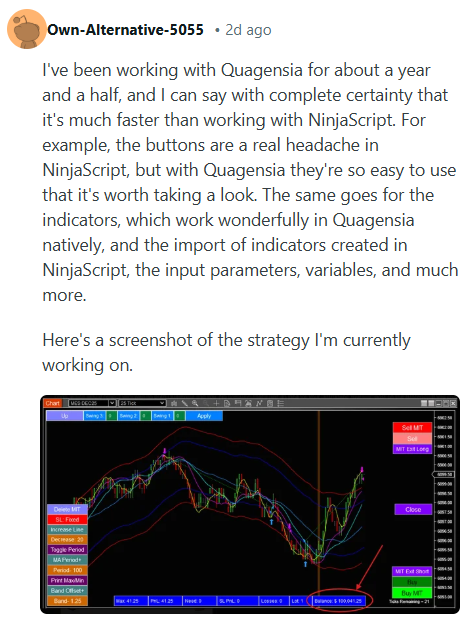
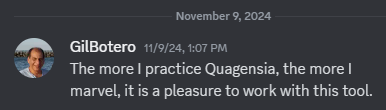
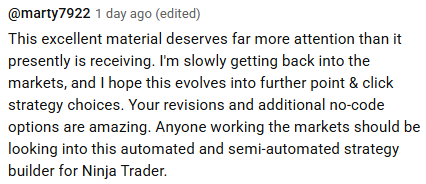
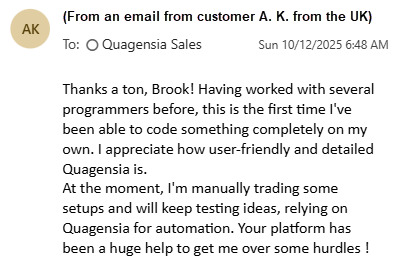
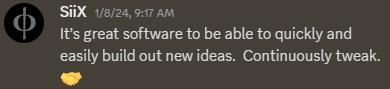
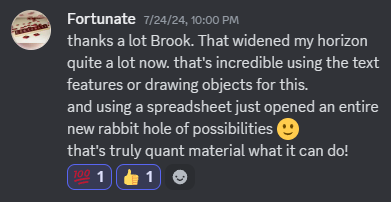
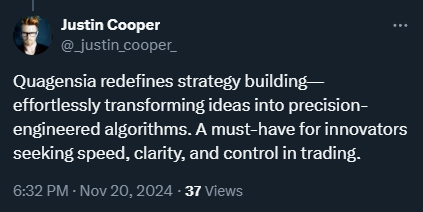
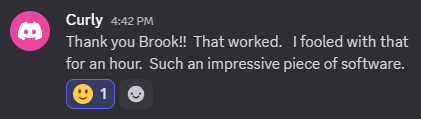
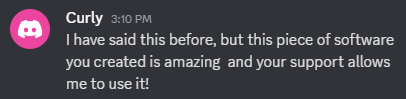
The best place to see testimonials from traders that use our software is by scrolling through one of the more popular channels in our friendly Discord community. There you will be able to see real conversations between our users and hear what they have to say about Quagensia. Good places to start are the #general-chat and #n-edition-chat channels.
The testimonials below are from users who were in no way compensated for their testimonials. Sometime after these testimonials were given, one or more of these individuals have become affiliates of Quagensia, Inc.

Don’t be fooled by untested news, analysis, and marked up charts. Test every trading idea using point-and-click with Quagensia. Our software is for traders who want to use tested strategies rather than gamble on untested ideas. Most strategies on our website are backtested, verifiable, and include a downloadable point-and-click Quagensia® Trading Strategy for NinjaTrader® or TradeStation®. The strategies are quick and easy to tweak and test by non-programmers. Just watch the instructional videos on this page and follow along with the Quagensia® Desktop Application to learn how to tweak these strategies without any programming knowledge. Soon you’ll be creating your own custom strategies for NinjaTrader® and TradeStation®.
1. How many of your losing trades could have been avoided if you could have skipped all of your trades that were made based on trading ideas or trading setups that didn’t work in the past as determined by a quick backtest of a Quagensia Strategy that took you only minutes to create?
2. How many of your exits for the trades that you took could have been improved by testing your exit strategies with some quick backtests and optimizations of Quagensia Strategies that contained your exit logic?
Your answers to those two questions will likely lead you to realize that, at under a dollar a day, going with Quagensia is an easy trading decision.
You can even create complex trading strategies with Quagensia so quickly and easily that you can test the trading ideas you think of while watching real-time price action on an intraday chart. You can create a Quagensia Strategy and test it in NinjaTrader® or TradeStation® quickly enough to see if your trading idea worked in the past, before the trading setup disappears. No more missed opportunities.
Download Quagensia to start testing your trading ideas as you think of them in real-time, as you read your favorite trading news & analysis websites and forums and watch your real-time charts and watch lists.
For larger and additional screenshots, see large Quagensia N Edition screenshots (for NinjaTrader®) and large Quagensia T Edition screenshots (for TradeStation®).
For additional screenshots, see the list of Strategies Built into Quagensia N Edition (for NinjaTrader®) and Strategies Built into Quagensia T Edition (for TradeStation®). Select a built-in strategy that interests you and scroll down for the screenshot. Then scroll up to the top of the page and click the “Overview” link to watch the video on how to use that built-in strategy.
This is a screenshot of the point-and-click trading strategy you will build in Quagensia N Edition (for NinjaTrader®) if you follow along with the video titled Create NinjaTrader® Strategies Using Point-&-Click with Quagensia N Edition – Full Tutorial.

Click the gear icon that appears when you place your mouse pointer over the location to which you would like to add trading logic. A context menu will appear with filtered options to choose from.






![Start or Stop Trading After X Consecutive Paper Trading Winners or Losers (With Counter Reset Condition) (Uses Parallel Lists) [Algo File Only] (Point-and-Click TradeStation® Strategy)](https://eadn-wc02-5937971.nxedge.io/images/trading-idea-images/2023/12/30/quagensia/start-or-stop-trading-after-x-consecutive-paper-trading-winners-or-losers-with-counter-reset-condition-uses-parallel-lists-t.png "Start or Stop Trading After X Consecutive Paper Trading Winners or Losers (With Counter Reset Condition) (Uses Parallel Lists) [Algo File Only] (Point-and-Click TradeStation® Strategy)")
![Start or Stop Trading After X Consecutive Paper Trading Winners or Losers (With Counter Reset Condition) (Uses Parallel Lists) [Algo File Only] (Point-and-Click NinjaTrader® Strategy)](https://eadn-wc02-5937971.nxedge.io/images/trading-idea-images/2023/12/30/quagensia/start-or-stop-trading-after-x-consecutive-paper-trading-winners-or-losers-with-counter-reset-condition-uses-parallel-lists-n.png "Start or Stop Trading After X Consecutive Paper Trading Winners or Losers (With Counter Reset Condition) (Uses Parallel Lists) [Algo File Only] (Point-and-Click NinjaTrader® Strategy)")