Welcome to the complete list of over 170 no-code indicator and chart pattern functions that you can use to create TradeStation® strategies using point-and-click with Quagensia T Edition.
Quagensia® T Edition (For TradeStation®) has over 170 no-code indicator and chart pattern functions that enable you to plot the values returned by TradeStation® indicator functions on the chart to which your strategy is attached, allow your strategy’s logic to access the numeric values returned by the TradeStation® indicator functions for both the current bar and previous bars, and allow your strategy’s logic to determine if certain chart patterns occurred ending with either the current bar or previous bars.
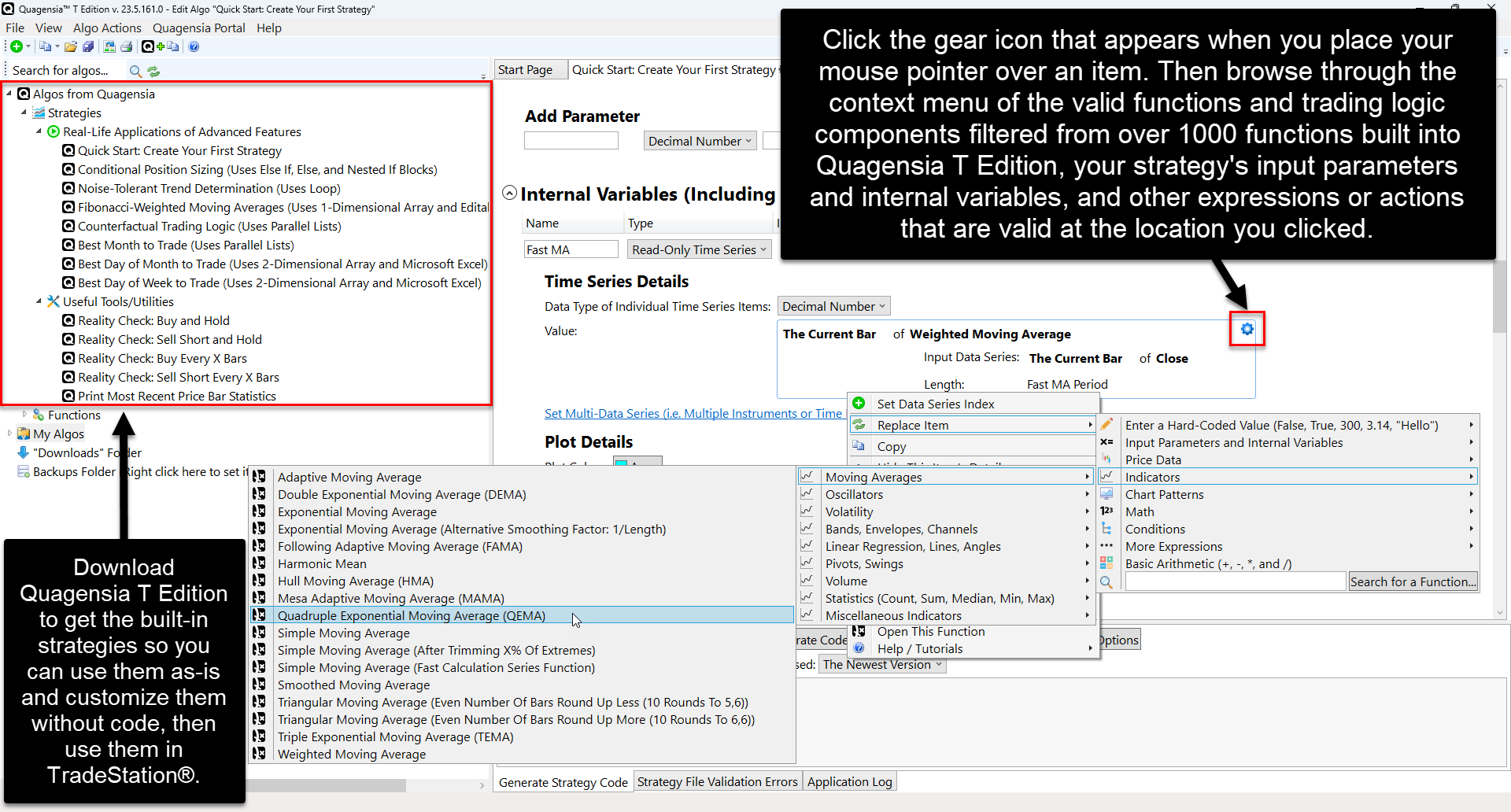
These no-code functions are listed below with links to their help pages. Each function is displayed in the same subfolder in which you can find it in Quagensia T Edition’s Algo Explorer and in the context menu that appears when you click on a location on your Quagensia Algo’s workspace where the function is allowed to be used.
Note that if Quagensia T Edition is missing an indicator function for a TradeStation® indicator function to which you have access from within your installation of the TradeStation® platform, you can add it to Quagensia the easy way by copying one of the over 170 built-in Quagensia T Edition Functions listed below and making small changes to match your indicator’s name, input parameters, and other attributes.