Quagensia® T Edition (For TradeStation®) has many no-code functions for working with large (or small) lists of data that you can use to create TradeStation® strategies whose logic depends on lists of data such as lists of prices or calculated values using point-and-click with Quagensia T Edition.
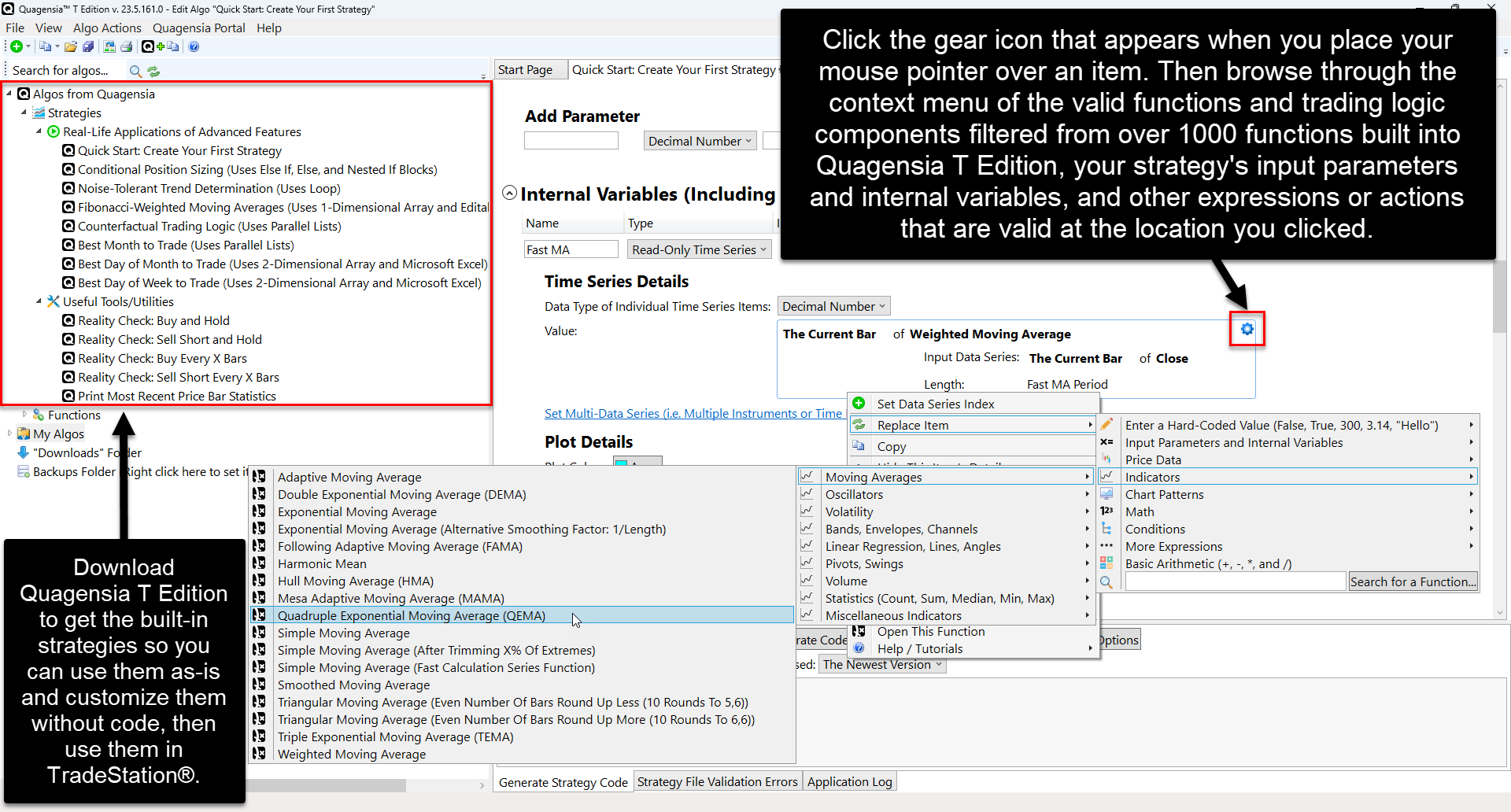
These no-code functions are listed below with links to their help pages. Each of these functions is displayed in the same subfolder in which you can find it in Quagensia T Edition’s Algo Explorer and in the context menu that appears when you click on a location on your Quagensia Algo’s workspace where the function is allowed to be used.
Most of these functions for working with lists of data are action functions. Some action functions “act on” a list of data, i.e. they change the data in the list in some way, like adding an item to a list or sorting a list. Other action functions “act on” a variable that is “passed by reference” to the action function as one of its input parameters by setting the variable to a value that was calculated by the action function. Learn more about action functions or scroll down to the list of action functions further down on this page.
One of these functions for working with lists of data is an expression function. This expression function gets the number of items in a list. This function is an “expression function” because it returns the result of its calculation directly as an expression such that the returned expression can be used in some locations that require an expression of a certain data type such as on one side of a condition expression that checks if two values are equal. Learn more about expression functions or scroll down to this expression function further down on this page.